
Keycloak, unfolded.
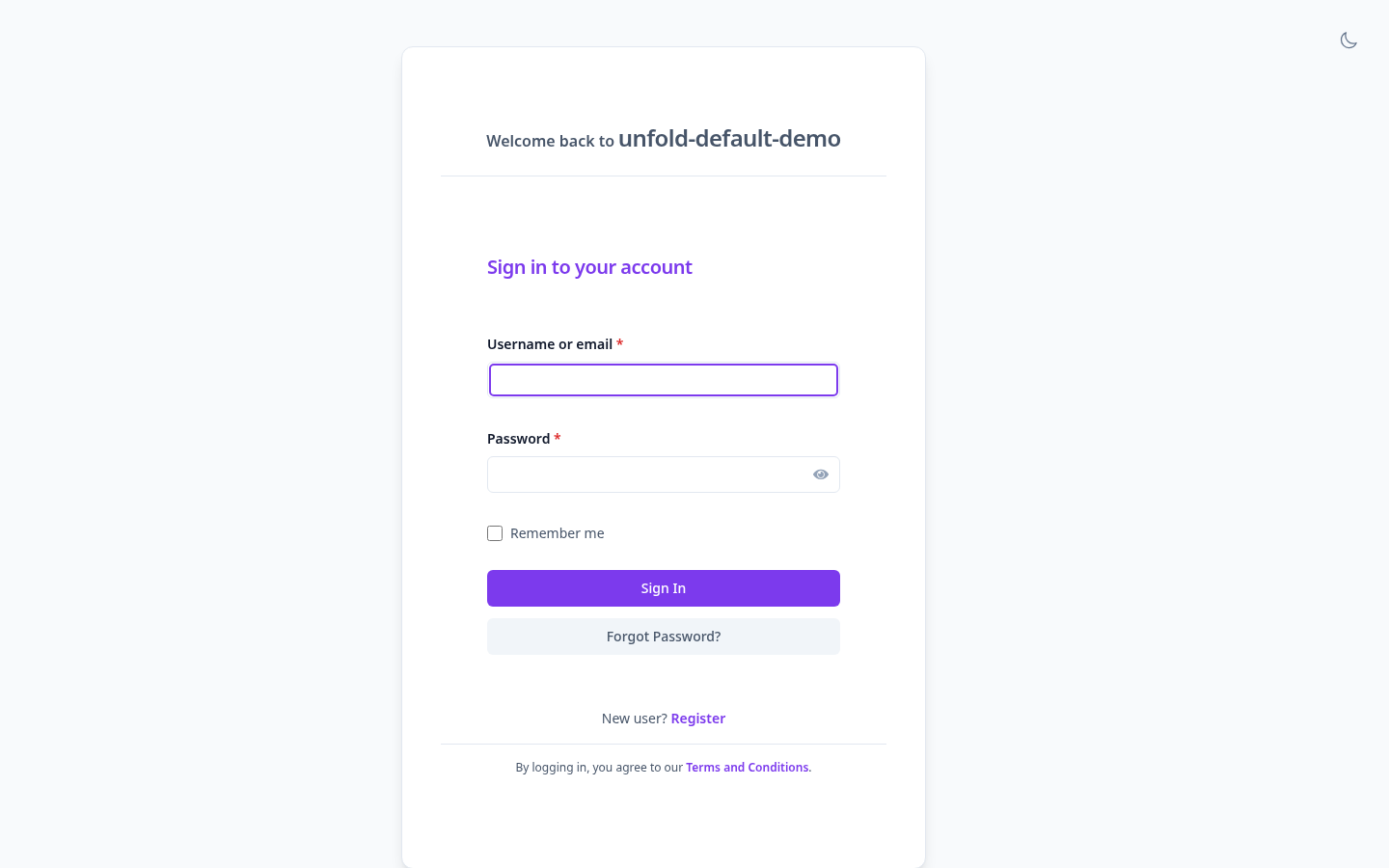
Designed for developers. Loved by users.
A premium auth experience that matches modern dashboards. Built carefully on Keycloak's v2 base structure.
Unfold Aesthetic
Clean spacing, premium typography (Inter), crisp high-contrast borders, and slate neutral tones styled to perfection.
Smart Dark Mode
Includes seamless dark mode supporting browser system preference detection (`prefers-color-scheme`) and an interactive manual override.
Tailwind CSS v4
Extend and customize layouts using standard Tailwind CSS classes directly within the FreeMarker (.ftl) templates.
Flexible Layouts
Switch variant configurations between standard centered cards and immersive split-screen layout flows.
Fully Tested E2E
Backed by a comprehensive Playwright test suite validating core authorization screens, actions, and responsiveness.
Fast Local Setup
Run docker-compose locally out of the box with custom demo realms and users preconfigured.
Theme Inheritance Model
Designed with modular structure in mind, avoiding boilerplate and ensuring clean updates.
Keycloak v2 Base Theme
Keycloak's native default layout and core authorization templates.
unfold-base
Core CSS variables, logos, and custom templates. Implements dark mode toggling, typography overrides, and layout tokens.
unfold-default
A refined centered login card with native admin panels.
unfold-full
Immersive split-screen visual layouts with hero images.
Getting Started
Quick commands to start developing locally or package the theme for production deployment.
# 1. Spin up local Keycloak with demo realms preloaded
docker compose up

# 2. Keycloak dev instance will be available at:
#    http://localhost:8080
#    Admin Creds: admin / admin
# Demo User: testuser / password# Install project development dependencies
npm install
# Build CSS utilities and package the theme as a JAR archive
npm run package# Compile, test, and package using Java maven pipelines
mvn clean package
# The built package is generated in the target directory:
# target/keycloak-unfold-v26.7.0.jar# 1. Copy the packaged JAR file into your Keycloak providers folder
cp keycloak-unfold-v26.7.0.jar /opt/keycloak/providers/
# 2. Run keycloak build to register the theme provider
/opt/keycloak/bin/kc.sh build
# 3. Start Keycloak server in production mode
/opt/keycloak/bin/kc.sh start